

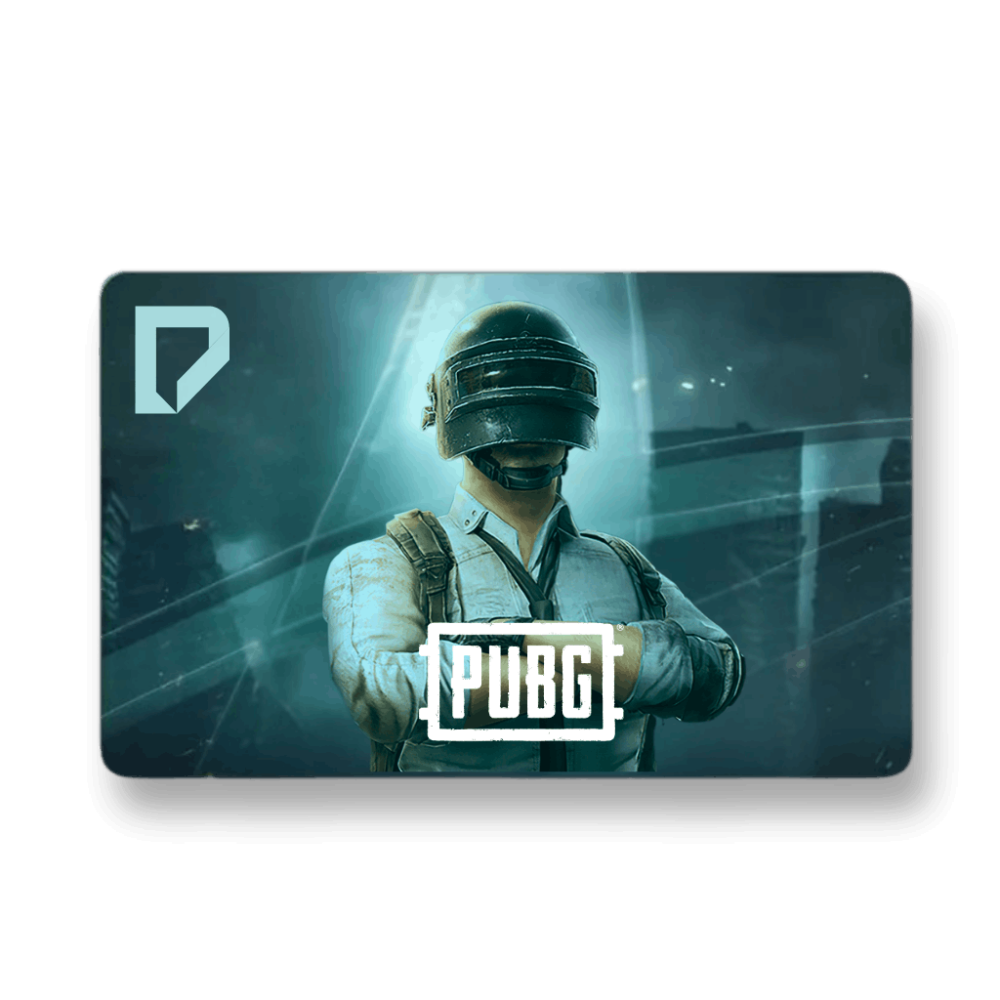
Click on the image to enlarge it

PUBG Mobile UC Top-up

Once you have completed the purchase process, you must redeem the voucher code on the official PUBG website.

  1. Visit the official PUBG Mobile redemption site:
  2. [ https://www.midasbuy.com ]
  3. Click on Login / Create Account.
  4. Enter your Player ID (Character ID) for your PUBG account.
  5. Enter the Redeem Code you received 🔐.
  6. Check for your rewards in your In-game Mailbox.
  7. Congratulations! The UCs have been credited to your account 🎉.


Read more

0

VAT Inclusive

Once you have completed the purchase process, you must redeem the voucher code on the official PUBG website.

  1. Visit the official PUBG Mobile redemption site:
  2. [ https://www.midasbuy.com ]
  3. Click on Login / Create Account.
  4. Enter your Player ID (Character ID) for your PUBG account.
  5. Enter the Redeem Code you received 🔐.
  6. Check for your rewards in your In-game Mailbox.
  7. Congratulations! The UCs have been credited to your account 🎉.


See more View less